pfSense Setup
Install WireGuard
This section explains how to install and enable WireGuard on pfSense.
Step 1 - Open Package Manager
- Go to System → Package Manager → Available Packages.
- In the Search term box, type wireguard.
- Click Search.
- Find the package named
wireguardand click Install.
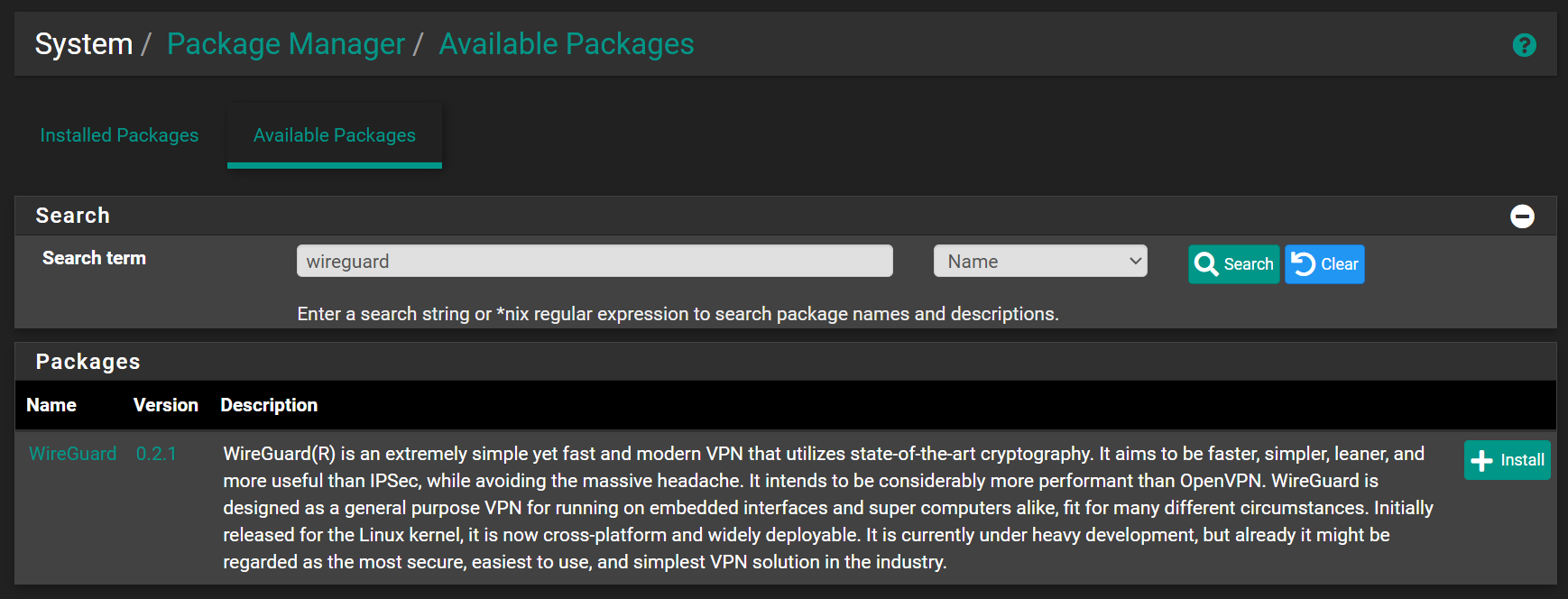
When you click Install, pfSense will automatically download and set up WireGuard in the background.
You will see messages showing the progress until the installation is complete: 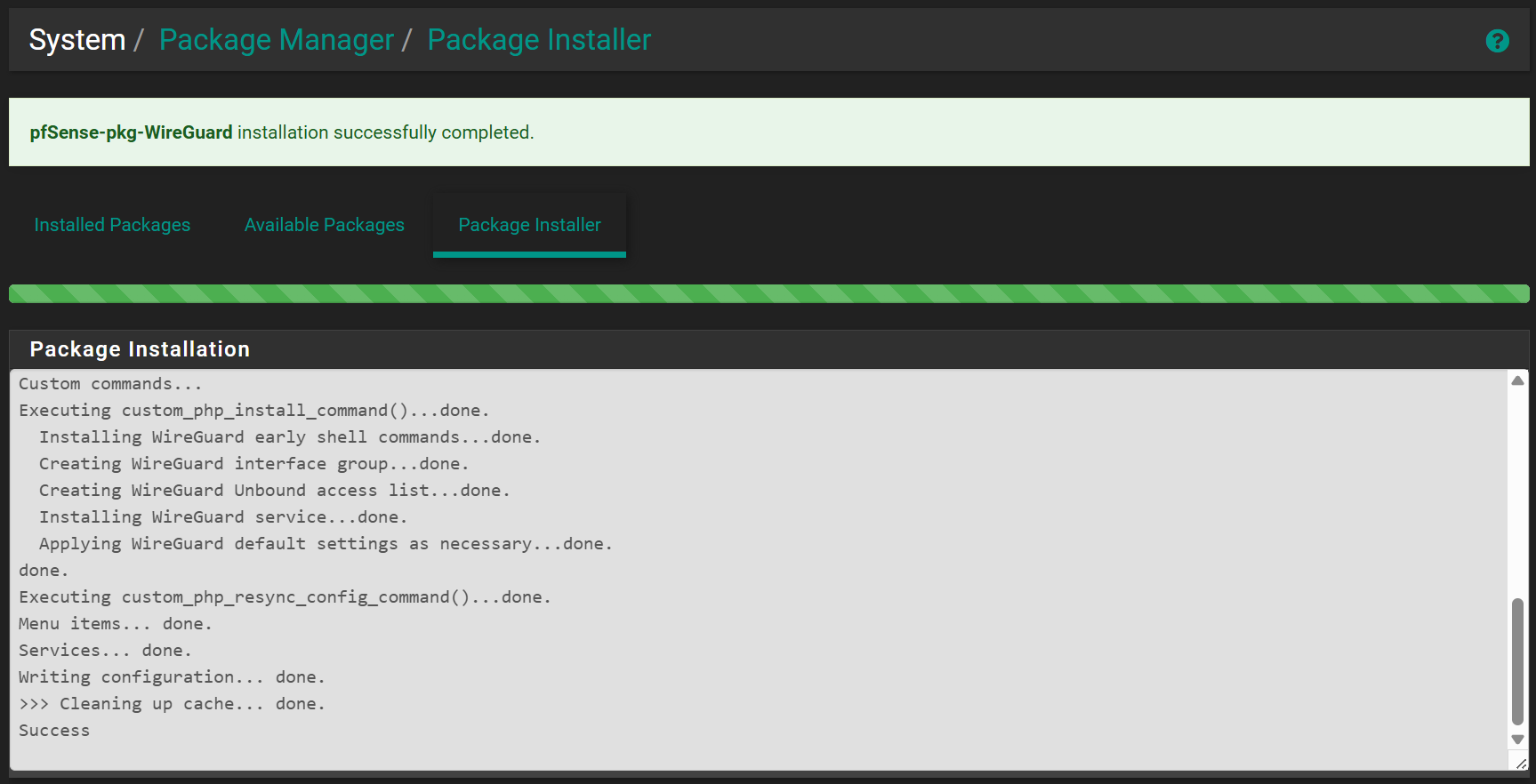
Step 2 - Enable WireGuard
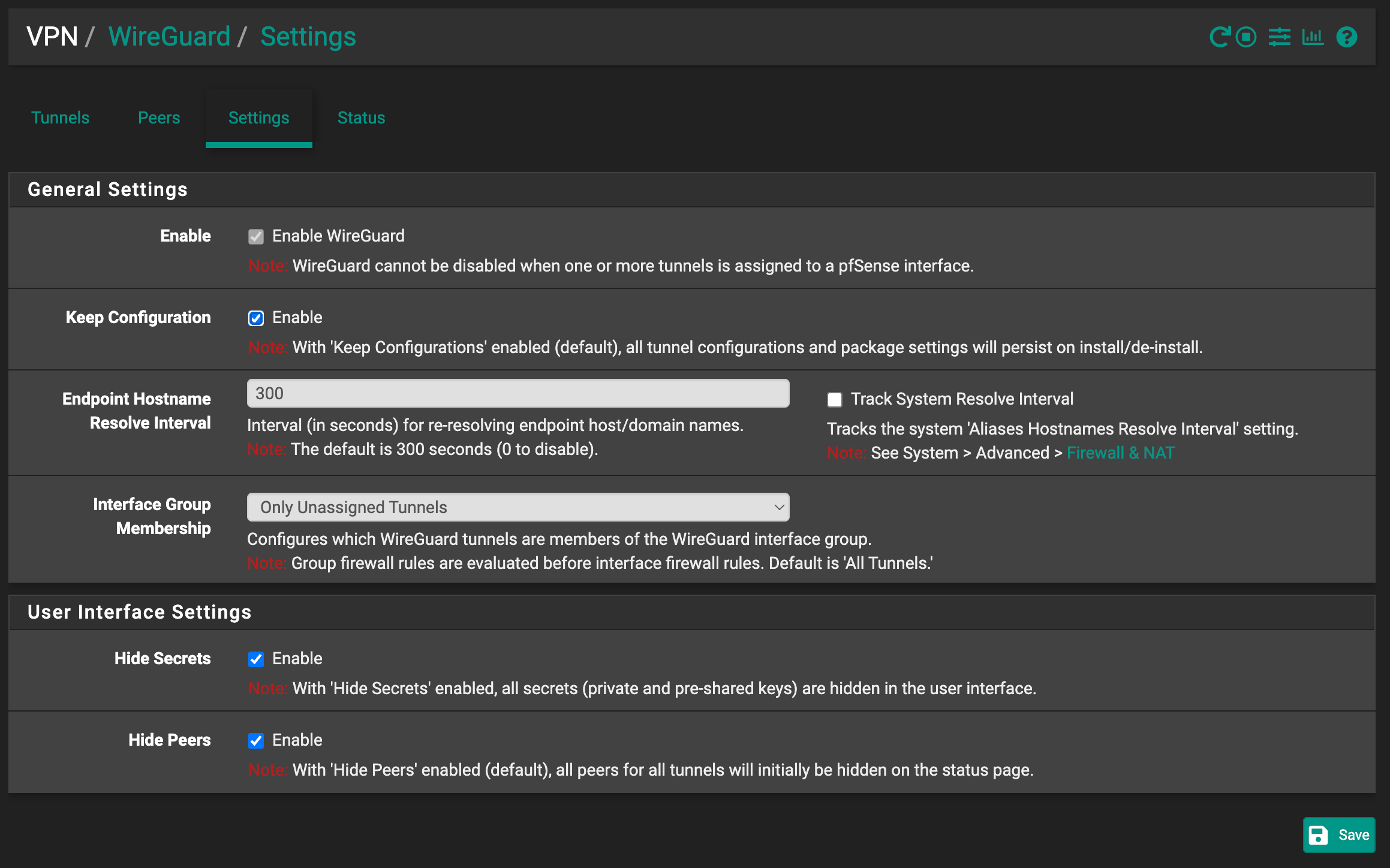
- Go to VPN → WireGuard → Settings
- Tick the Enable WireGuard checkbox
- Click the Save button
- Under Interface Group Membership, select:
| Field | Where to Find Value | Description |
|---|---|---|
| Interface Group Membership | Only Unassigned Tunnels | Adds only tunnels that are not assigned as interfaces. Helps avoid conflicts and keeps firewall rules simple. |