WiZone Portal
Online Users
Monitor all currently active users connected to your network in real time. View session details, bandwidth usage, and connection information.
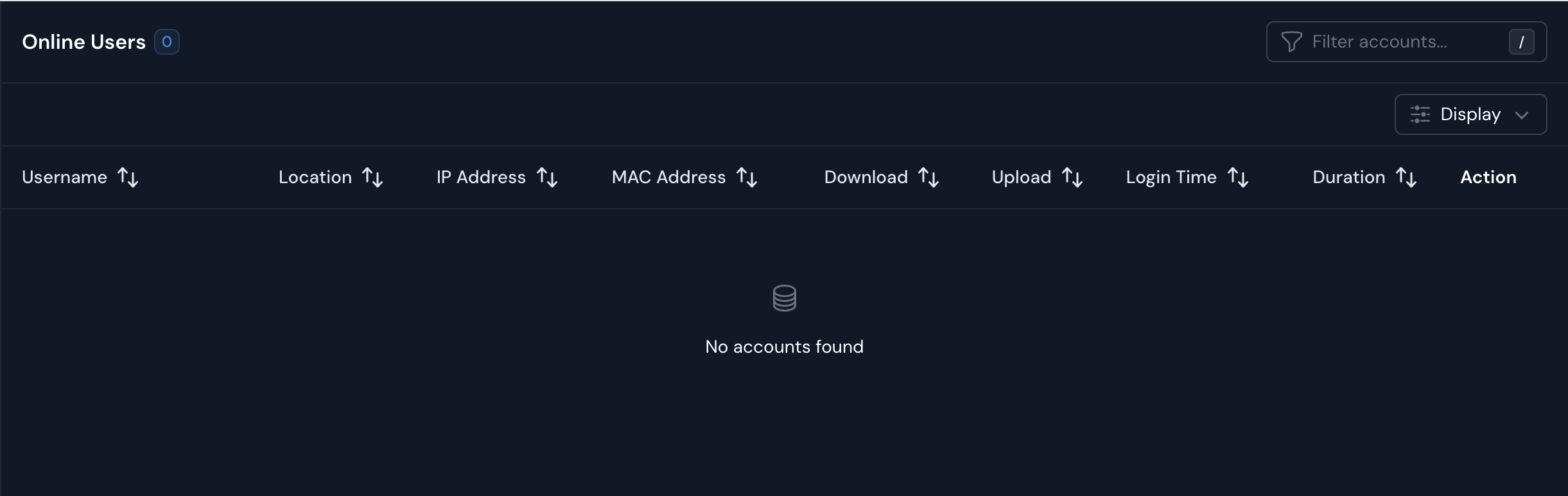
| Column | Description |
|---|---|
| Username | Displays the active user’s login ID. Supports sorting for quick lookup. |
| Location | Shows which location or device the user is connected through. |
| IP Address | Indicates the IP address assigned to the user’s current session. |
| MAC Address | Lists the physical address of the connected device for identification. |
| Download / Upload | Tracks real-time data transfer during the session. |
| Login Time | Displays when the user session started. |
| Duration | Shows how long the session has been active. |
| Action | Allows admin to view more details or disconnect the session. |
Tip:
When no active sessions are displayed, it means no users are currently connected to WiZone.
User Management
Overview of the Users page in the WiZone dashboard, including account details, authentication types, and management options.
Network Access Server (NAS)
NAS page lists all connected authentication servers (pfSense or Mikrotik) registered under your organization. Administrators can monitor each device’s connection health, authentication performance, and session timeout policies.