WiZone Portal
Firewall Logs
The Firewall Logs page provides detailed visibility into log files collected from connected NAS (Network Access Servers), including pfSense and Mikrotik devices. It helps administrators monitor security events, and download archived logs.
| Section | Description |
|---|---|
| Location | Displays the site or device where the log was generated (e.g., pfSense, Mikrotik, etc.). |
| Date | Indicates when the log entry was created. |
| Size / Records | Shows file size and total record count within each log. Useful for tracking traffic volume. |
| Expiration Date | Defines how long each log file is stored before automatic deletion. |
| Status | Reflects log generation progress — No Records, Processing, or Completed. |
| Download / Delete | Allows users to export or remove log files as needed. |
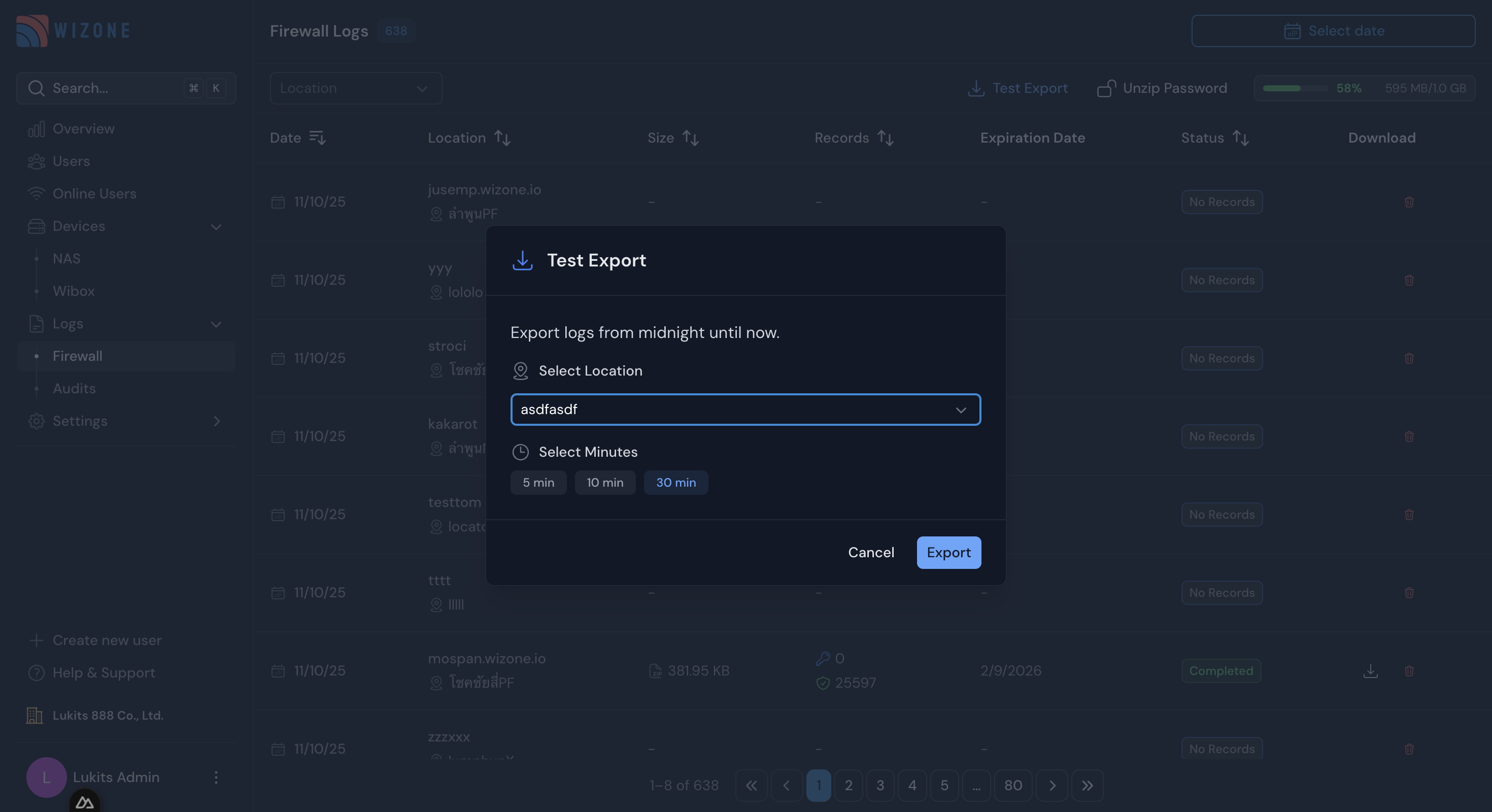
| Test Export | A quick feature to manually export the latest logs by selecting a location and time range (e.g., last 5–30 minutes). |
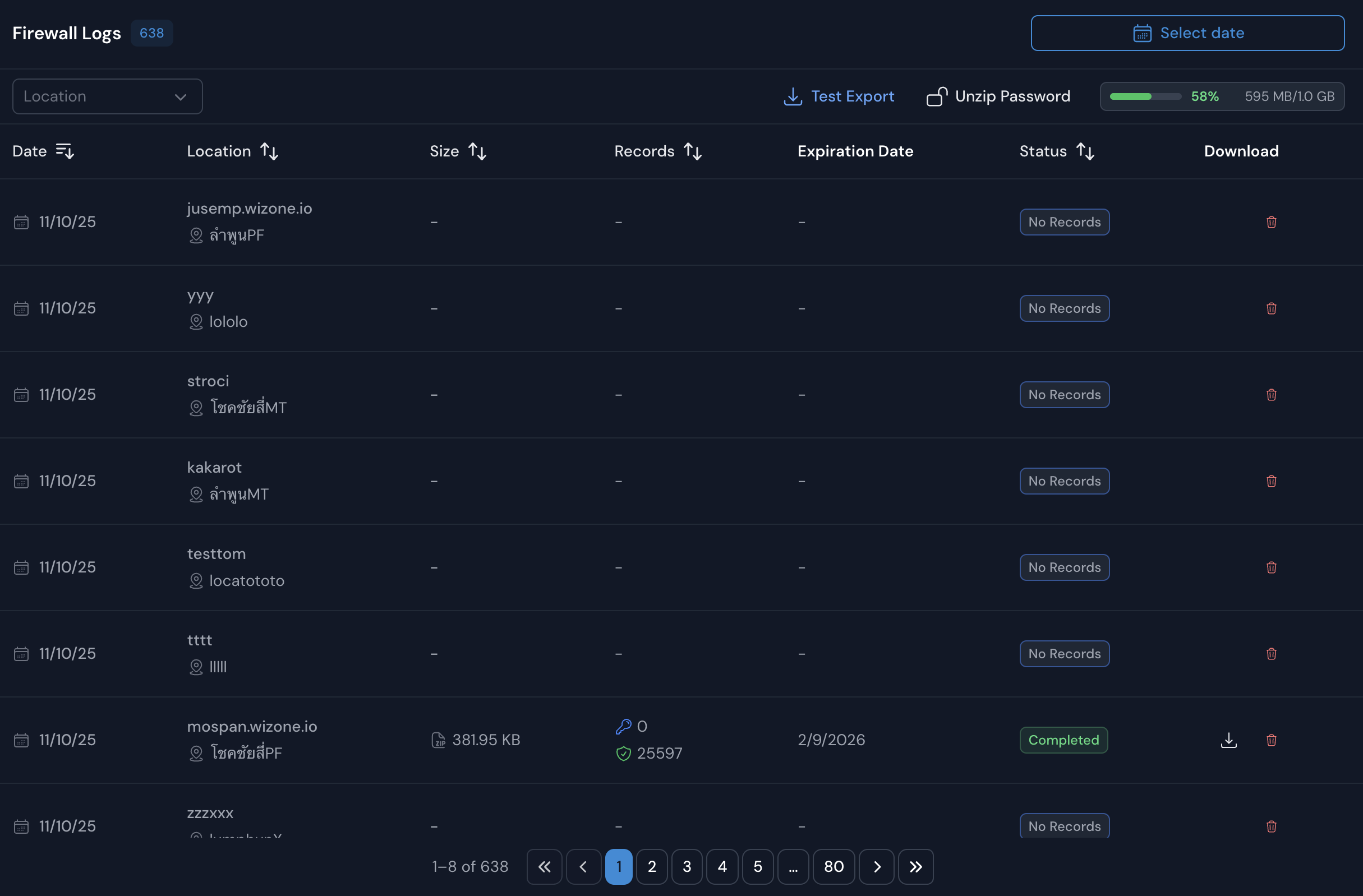
Usage Example
Administrators can:
- Select a location and date range to view logs.
- Click Test Export to generate real-time exports for troubleshooting.
- Monitor export progress and verify completion before downloading logs.
Network Access Server (NAS)
NAS page lists all connected authentication servers (pfSense or Mikrotik) registered under your organization. Administrators can monitor each device’s connection health, authentication performance, and session timeout policies.
Audit Logs & User History
WiZone keeps a complete record of system activities to help administrators track actions, user events, and security logs efficiently.